


Read more
Choose language

Procurement

Easy &
controlled purchasing

Unclear procurement policies are often only discovered after the fact, once the invoice has already been received. Elari aligns with the organisation’s existing policies and automates the entire process, from ordering to verification.
Employee placing an order on her laptop

Control over procurement policy, convenience for employees

Elari makes purchasing easier for everyone. Through more than 320 OCI integrations, employees can place orders just as easily as they’re used to, within predefined parameters.
  • Checks before ordering

    You set the order amount, items, product categories, and suppliers in advance so that the purchasing policy is followed automatically.
  • Order via 320+ OCI integrations

    Employees can easily place orders through the supplier's online store, the internal catalogue, or an order form.
  • Automatic 3-way matching

    Does the invoice match the order and the delivery? If so, Elari processes it automatically, without any intervention.
  • Strategic insight

    In Elari, you analyse procurement data and gain insight into procurement volumes, suppliers, and opportunities for savings.

In 3 steps

Digital procurement: how does it work?
Choosing a webshop in Elari Procurement through one of the 320+ OCI integrations

1. Order

Employees order from a supplier's webshop, the internal catalogue or an order form. Thanks to 320+ OCI integrations, the shopping basket from the webshop comes straight back into Elari as a purchase order.
Purchase order in Elari, approved within budget and approval limit and ordered from the supplier

2. Approve and place

Elari automatically routes the order to the right budget holder and checks the budget and approval limit. Once approved, the order goes to the supplier, and everyone with the right permissions can follow its status until delivery.
3-way matching in Elari: order, delivery and invoice matched with no difference

3. Receive and match

When the goods arrive, you register the delivery in Elari. Elari then compares order, delivery and invoice using 3-way matching and automatically accepts small differences within the set tolerance.
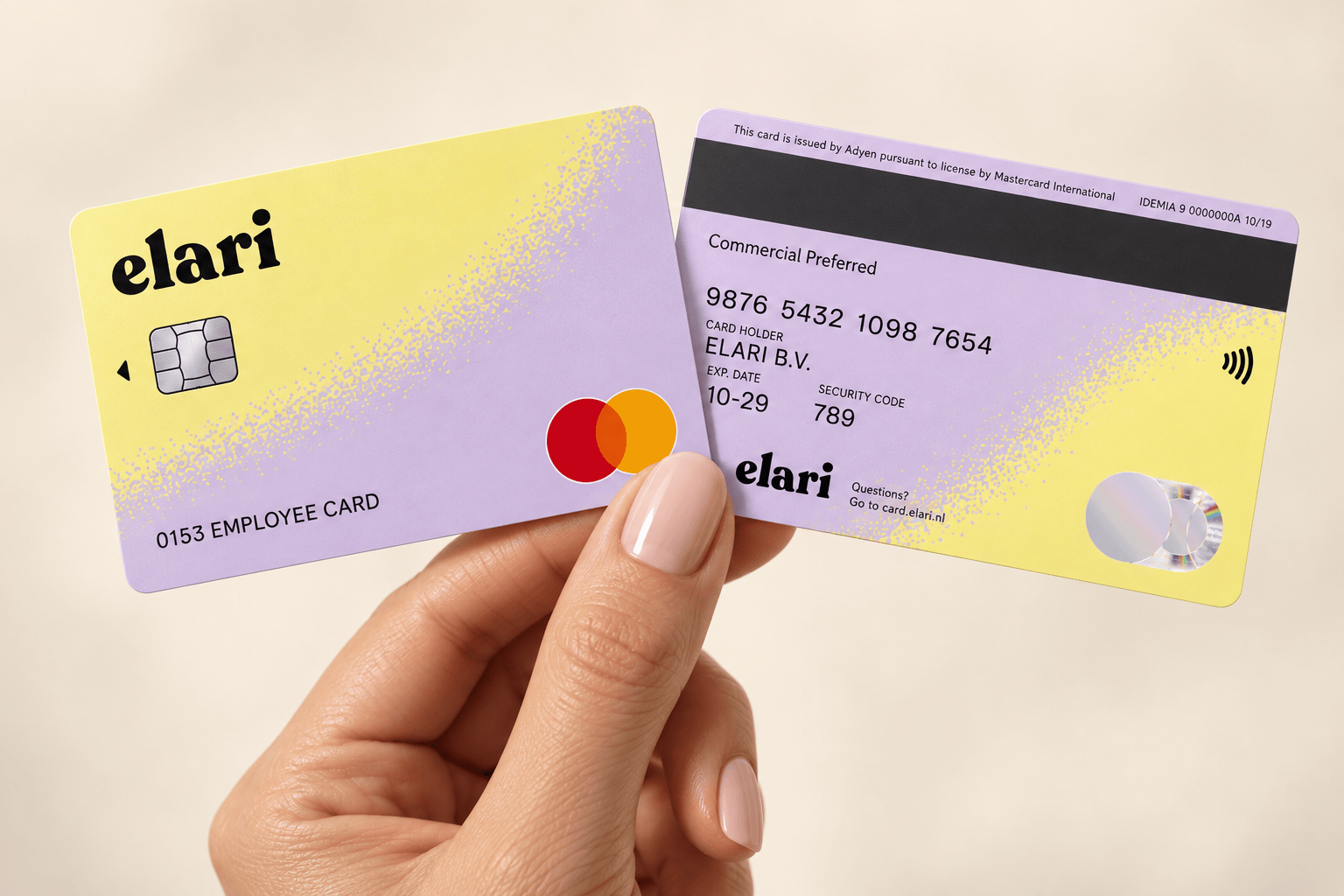
Hand holding two Elari Cards

Everything you need for a completely touchless process.

Combine Procurement with Invoice Processing and Contract Management for 3-way matching and a fully touchless process, from order to payment.

Purchase to Pay bundles these modules, but you decide how many you use. With three package levels, you choose what fits your organisation: start with a single module, or work fully integrated within one platform right away.

How a touchless process works in practice

Purchase order, delivery and invoice are compared automatically. If everything matches, Elari processes the invoice without a manual review.


Employee working on his laptop

Invoice Processing

Invoices are automatically recognised, coded, and processed.

Employee working on a laptop from the sofa

Contract Management

Contract terms and commitments are automatically monitored.

Employee working at a desk with a laptop and notepad

Procurement

Orders are automatically matched with deliveries and invoices.

Illustration of hands coming together

Curious about pricing?

On our pricing page, you'll get an immediate estimate of the costs specifically for your organisation.

Frequently asked questions

Here you'll find answers to the most frequently asked questions about purchasing with Elari.

Contact us

Procurement software helps you automate the entire procurement process, from the initial order to the 3-way match with the invoice, and ensures that your procurement policy is automatically followed without you having to check it yourself. This also prevents maverick buying: purchasing outside the agreed policy.

With our analytics, you can see at a glance which product groups and suppliers account for the most volume, and where there are still opportunities for savings. This lets you base your purchasing policy on real data, not on gut feeling.

Don't worry about minor discrepancies: Elari automatically accepts deviations that fall within a preset tolerance range. If the deviation falls outside that range, the invoice is neatly forwarded to the appropriate person for review.

You and your colleagues with the appropriate permissions can always check the order status. Has the order been delivered in full? If so, record that in Elari, and the invoice can be processed immediately.

There's a good chance it does. Elari comes with standard integrations with more than 40 accounting and ERP systems, including AFAS, Exact, Twinfield and Visma.net Financials. View all integrations.

Get a handle on purchase orders in advance

Make it easy for employees to place orders in accordance with the purchasing policy. Schedule a no-obligation demo or download the factsheet right away.
Illustration of a shopping bag with vegetables and bread