
Elari Cards
Company cards
for employees
Complete control over every business expense
-
Convenience for employees
Employees no longer have to pay out of pocket or fill out complicated expense claims. -
Set the rules yourself
Easily set daily limits, budgets, categories, and specific payment options for each card. -
Real-time insight
Every transaction is immediately visible in the software. This allows you to maintain constant control over budgets and expenses. -
In person, online, and via wallet
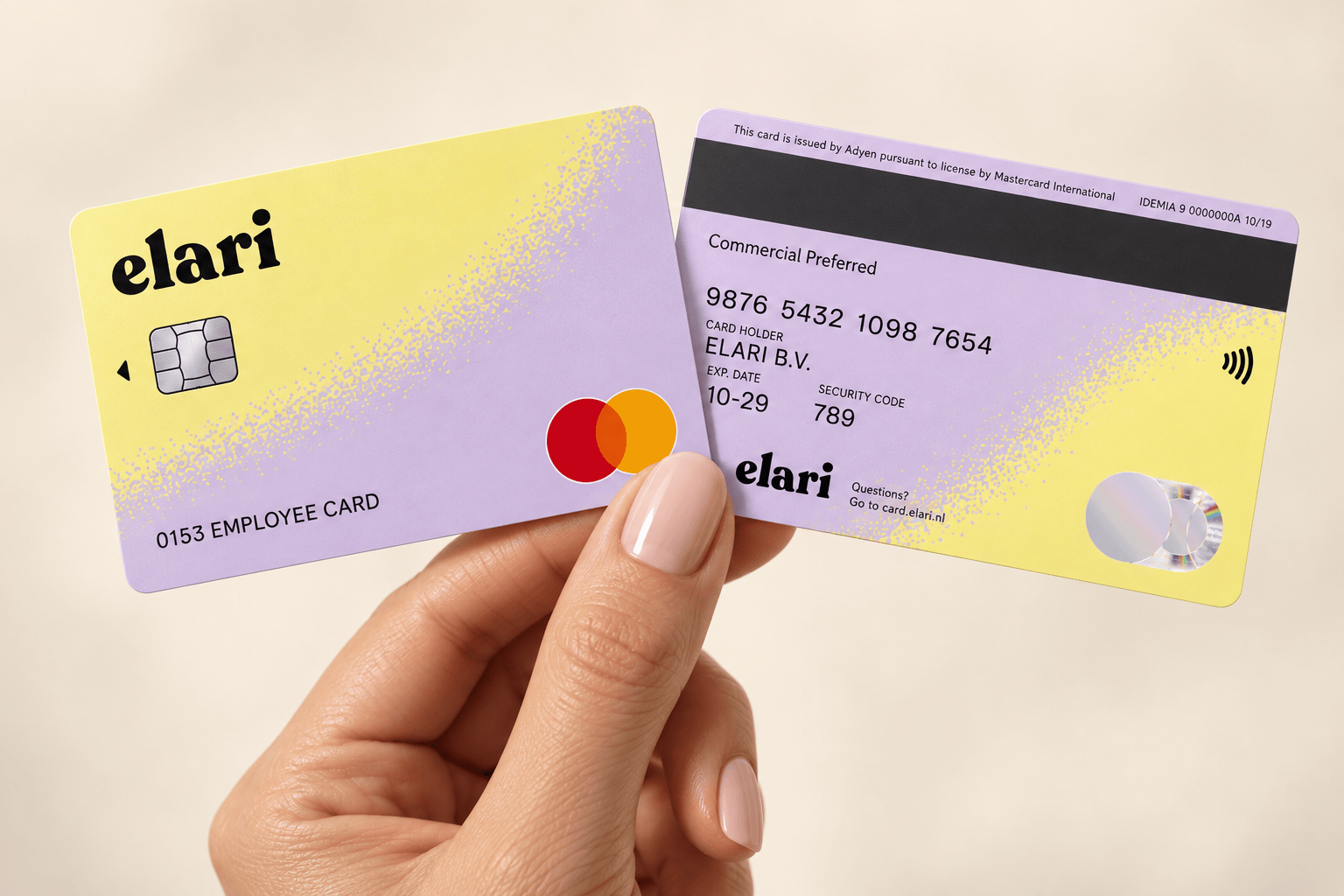
Pay in stores, online, or via smartphone with Apple Pay and Google Pay. Secure and accepted worldwide.
Use a payment card whenever possible. Submit an expense claim if you have to.
Elari Cards and Expense Claims together make up the Elari Expense package. The payment card is the standard for nearly every expense.
Expense claims are only used for exceptions, such as travel expenses. Both transaction streams are automatically consolidated into a single central overview, linked to your budgets, roles, and authorisation policies.
In 3 steps
Business payment cards for employees: how do they work?
1. Pay for business expenses
Employees pay anywhere in the world with a physical or virtual Elari Card, in store and online. Finance sets the limits per card, including per payment method such as PIN, contactless or online. Nobody has to pay out of pocket.
2. Match the receipt
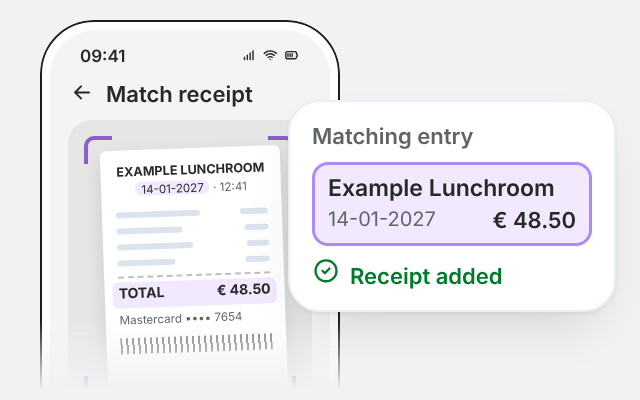
After paying, the employee takes a photo of the receipt in the Elari app. Elari finds the matching transaction by amount and date, and the employee confirms with a single tap.
3. Booked automatically
Every payment automatically becomes an entry in Elari, with the receipt attached. Finance sees the spending within 15 minutes and processes it in the accounting system, without manual imports.
Everything you need for expense management
Elari helps decentralised organisations do away with advances, cash, and confusing paperwork.
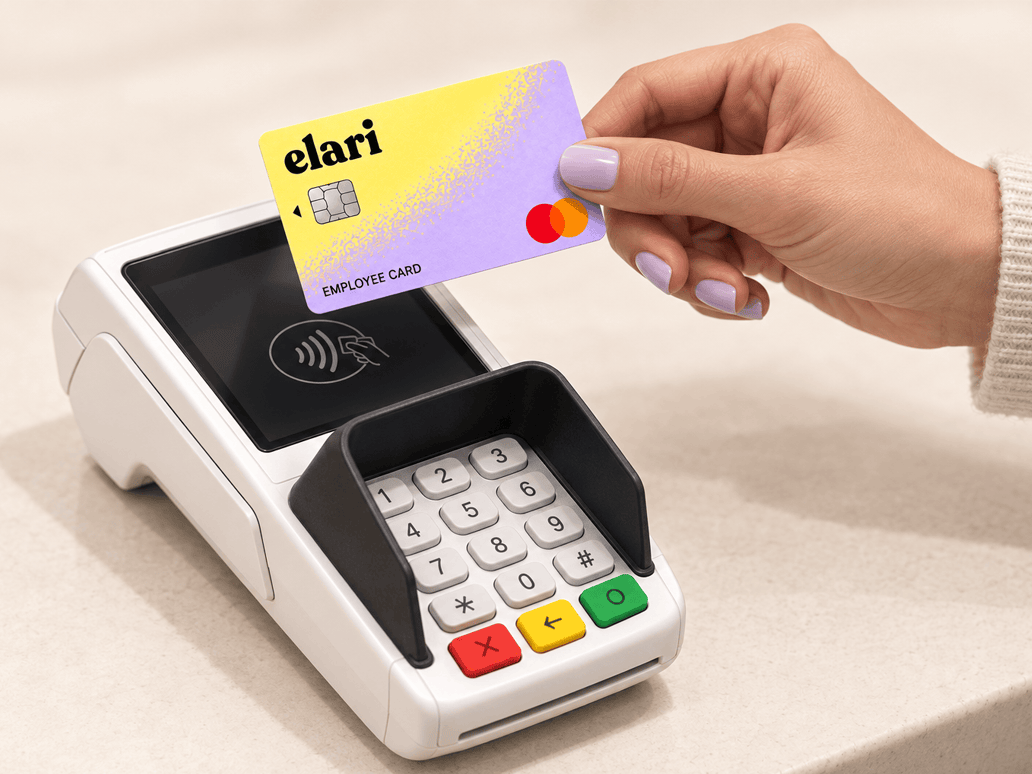
Elari Cards
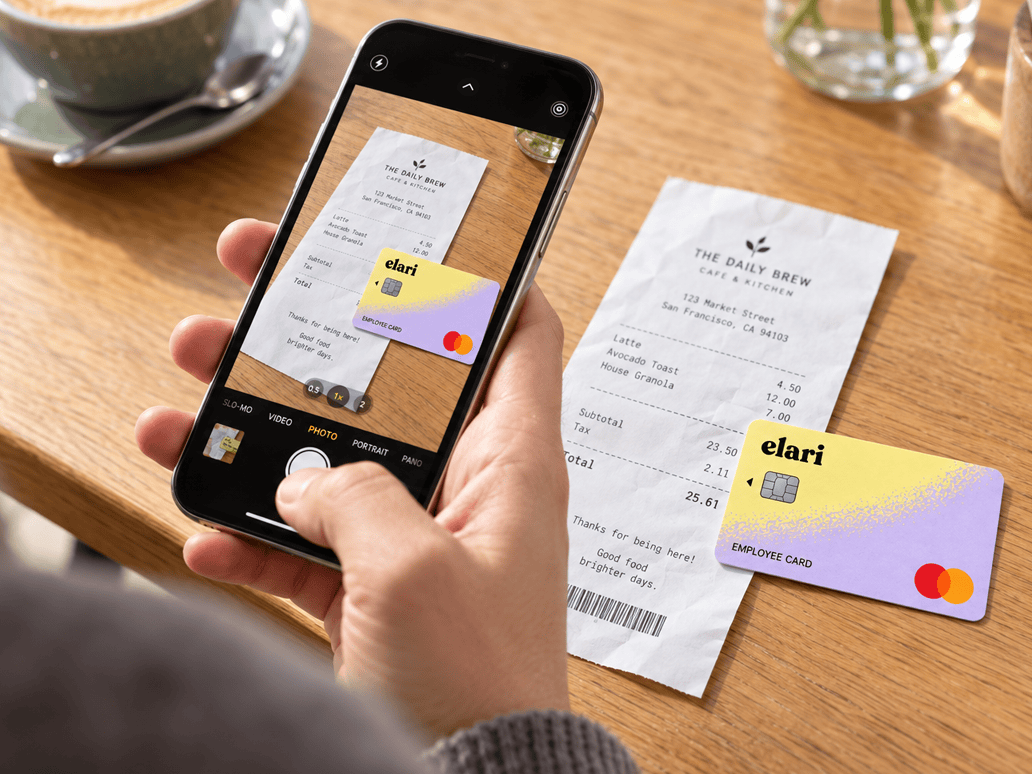
Submitting expense claims via the app

Curious about pricing?
Frequently asked questions
Here you'll find answers to the most frequently asked questions about Elari Cards.
Contactless payments are available as standard in stores, both with and without a PIN. In addition, Elari Cards support mobile payments via Apple Pay and Google Pay. Employees can easily add the card to the digital wallet on their smartphone, making a physical card unnecessary in many cases.
Elari Cards do not require employees to manually add funds. The Finance department sets organisation-wide or individual budgets and daily limits in advance through the software. Within those specific limits, employees have immediate access to the necessary payment balance.
Using Elari Cards drastically reduces the number of expense claims. Submitting an expense claim is now only necessary in exceptional cases where a payment card cannot be used, such as travel expense reimbursements for personal transportation.
Payments made with Elari Cards are highly secure. Since these are payment cards, accounts can never go into the red, and the financial risk is fully covered in advance by the set limits. In addition, the Elari platform is ISAE 3402 Type 2 and ISO 27001 certified, which guarantees the highest standards of data protection.
Elari, in collaboration with its payment partner Adyen, does not charge any additional transaction fees for standard payments. Any payment card fees or surcharges imposed by a third-party provider are, of course, separate from this.
A virtual Elari Card is a digital payment card with its own card number and CVC code, specifically designed for secure online purchases. A physical card is a tangible Mastercard for in-person payments. Both types are subject to the exact same configuration and limits under the spending policy.
Spend Cloud Cards are now called Elari Cards. Aside from the name, nothing else has changed: they’re still the same business payment cards for employees.
All features for budget management, spending limits, and automatic receipt linking will also remain exactly as you’re used to.
Discover the convenience of Elari Cards