
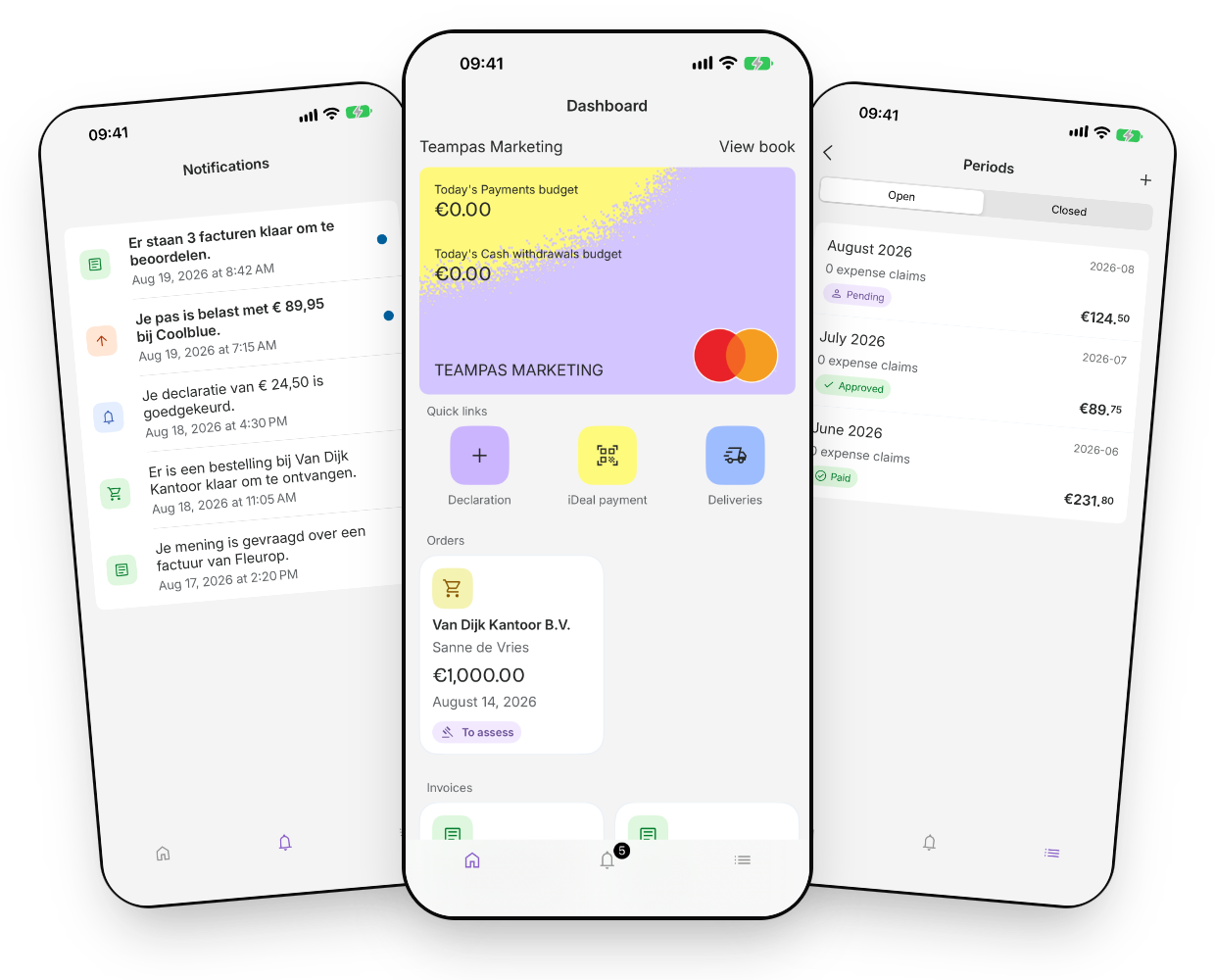
Elari app
Download the Elari app
What can you do in the Elari app?
The Elari app offers 4 modules you can use on the go or at the office. Everything you do in the app is fully synchronized with the web interface.
-
Invoice Processing
Review and approve your orders in the app. -
Procurement
You can rate your orders in the app. To confirm receipt of a package, take a photo of the packing slip. -
Expense Claims
A photo of your receipt is all it takes. The expense report goes straight to the person who needs to approve it.
-
Elari Cards
Pay contactlessly with Google Pay or Apple Pay. View and track your expenses right in the app.
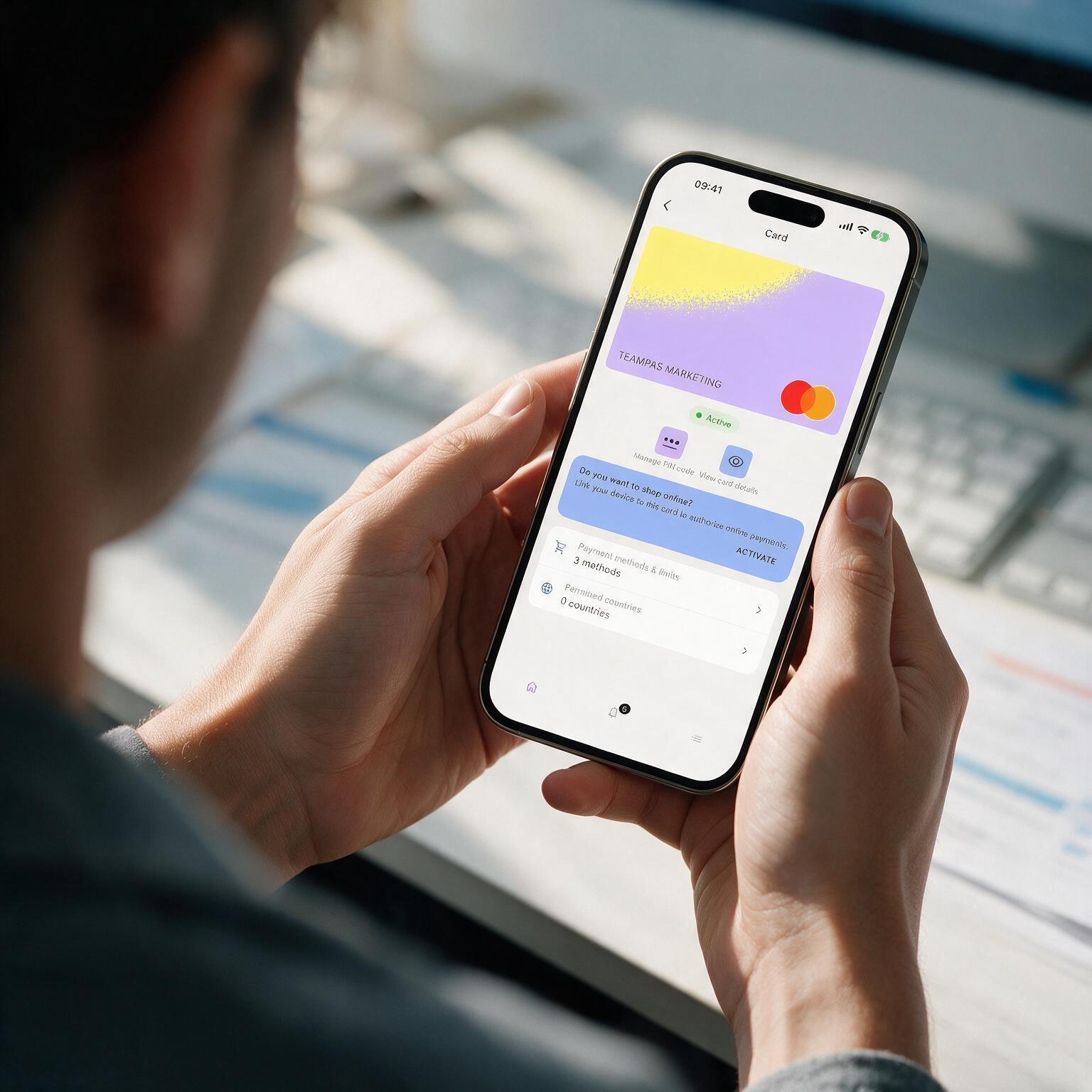
Contactless payments
Add your virtual Elari Card to Google Pay or Apple Pay and use it for contactless payments. The transaction will appear immediately in the app, and you can account for it by taking a photo of the receipt.
You can also set up a card, adjust the limit, or block it yourself, right in Elari.
Frequently Asked Questions about the Elari App
Here you'll find more information about the Elari app. Do you still have a question or are you having trouble figuring something out? Check out the detailed guides in the knowledge base or contact our support team.
Invoice Processing, Procurement, Expense Claims, and Cash & Card (Elari Cards). Contract Management is intended for administrators and analysts and is therefore not available in the app.
The app is available for iPhone and iPad via the App Store and for Android devices in the Google Play Store.
Yes. You add a virtual Elari Card to the app and link it to Google Pay or Apple Pay so you can use it to make payments.
When you pay online with your Elari Card, you’ll receive a notification in the app: there, you approve the payment yourself before it’s finalized.
An expense report with a receipt, or a mileage report. When you enter a trip, you enter the starting point and destination, and the mileage and reimbursement are calculated automatically.