
Expense
Less hassle,
more time
Digital expense reporting
With Elari Expense, you can put an end to loose receipts, unclear forms, and lengthy approval processes.

Easily submit expense claims through the app
Employees can take a photo of the receipt and submit it directly in the Elari app
One-click approval
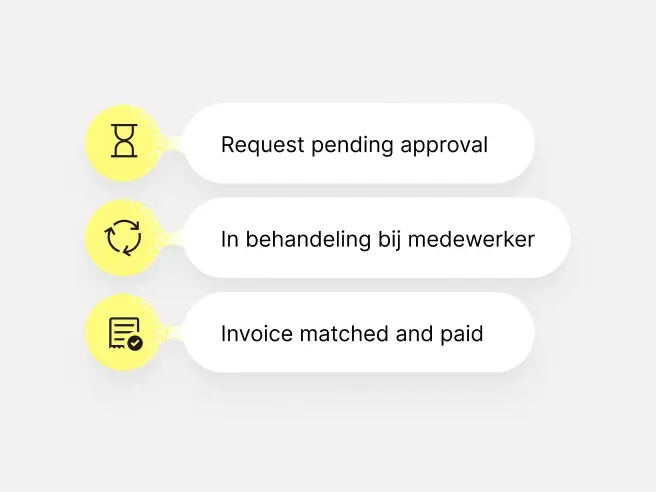
With the automated workflows, you can approve expense reports immediately
You can always find everything
Expense reports will never get lost again. You can find everything quickly and easily in the digital archive.
Smart expense reporting and payment. For employees and Finance.
With Elari, you can streamline the entire business expense process, from payment to approval. Smart cards, real-time expense reports, and clear workflows make submitting expense reports easier than ever, or even eliminate the need for them altogether.
Benefits for employees
-
Smart payment cards with clear limits and settings
-
Submit expense reports via the app: scan a receipt, select the expense type, and send
-
Less administrative burden and frustration
Benefits for Finance
-
Real-time overview of expense reports and transactions
-
Customisable budgets, roles, and approvals
-
Automatically applied workflows
Benefits for your organisation
-
Greater employee satisfaction through fewer frustrations
-
A single, uniform process, without fragmentation
-
Less manual work, more job satisfaction
Use a payment card whenever possible. Submit an expense report if necessary.
Employees make payments independently using their payment cards, while Finance maintains control. Expense reports are only required for exceptions, such as travel expenses. All data is consolidated into a single central overview, linked in real time to budgets, roles, and policies.
Elari Cards
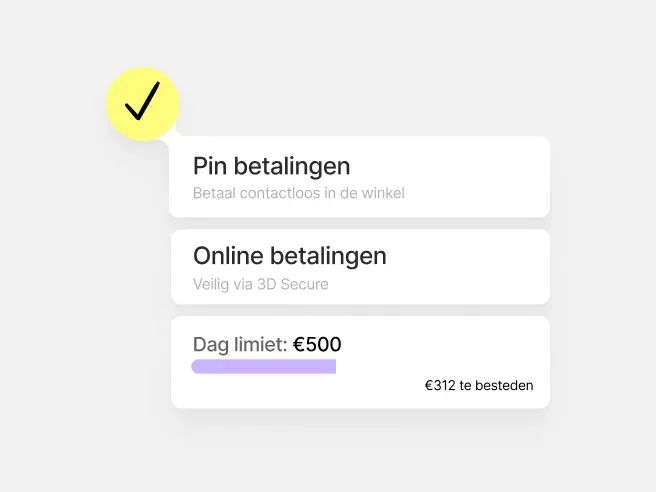
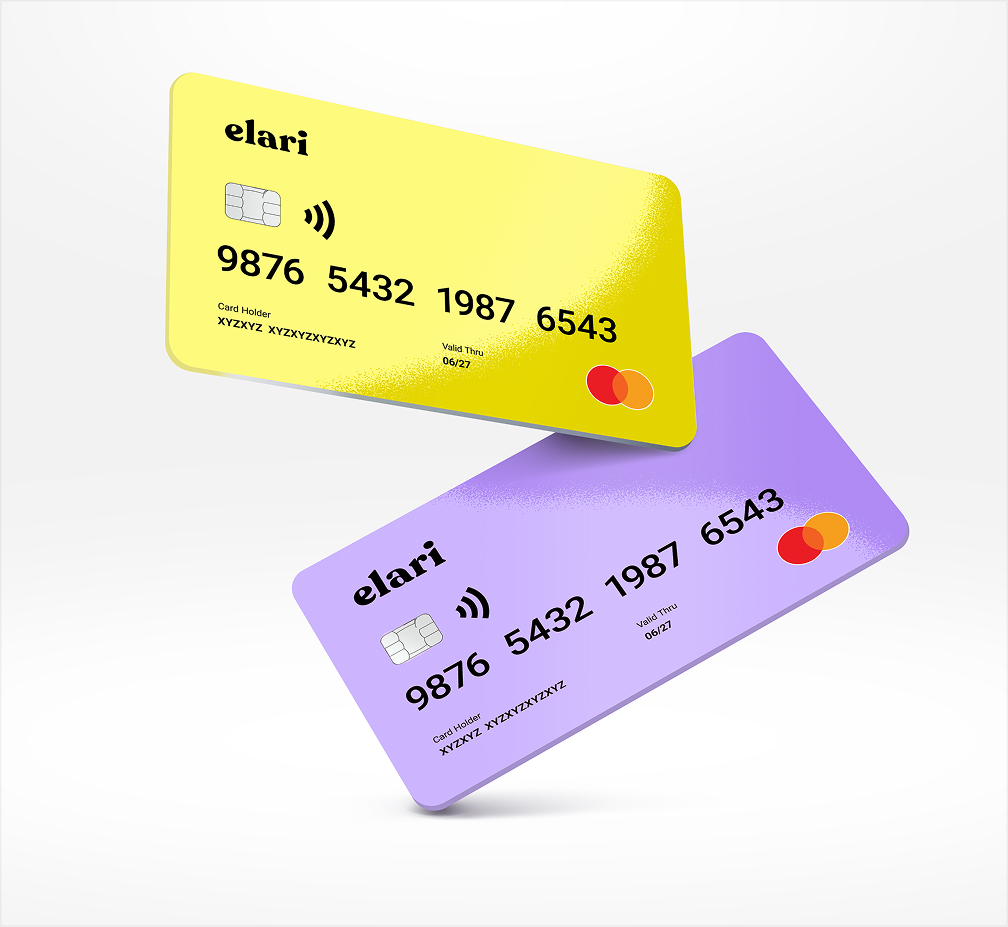
Employees can easily pay for themselves using smart payment cards. No more expense reports for lunch receipts, train tickets, or gifts. You set the limits and rules.

Submitting expense reports via the app
For expenses for which no card is available, employees use the app. Scan the receipt, select the type, and send it. Done in just a few clicks.

Why more than 1,200 organisations rely on Elari
From childcare centres and municipalities to consulting firms: everyone wants to cut down on the hassle of expense reports. Our clients save time, gain greater insight, and make their employees happy by offering simplicity and freedom.
-
"Elari has significantly reduced my workload thanks to automation. There are now 800 entities using the system. I can manage this on my own, with a colleague as backup."
Judith
Administrative Assistant
Read more
-
"It's often the case with new systems: 'We have to work with it.' And in this case, people often said, 'We get to work with it.' That's a really nice compliment."
Marcel Lankhaar
Finance & Control Manager
Read more
-
"I can say with certainty that we have fully achieved our goal. Everyone is working comfortably using the new, more efficient method. We have restored structure to our processes and have a clearer picture of budget spending."
Monique van de Haar
(Former) Financial Accounting Staff Member
Read more
-
"In the first two years that we used smart payment cards, we were already able to close 127 bank accounts and shut down 100 of the 120 cash registers."
Marja Noordermeer
Financial Assistant, Middin
Read more
Curious about pricing?
Frequently asked questions
Here you'll find frequently asked questions about Elari Expense.
With an Elari Card, you pay right away. No advance payment, no forms. You’ll only need to submit expense reports for situations where you don’t have your card, such as travel expenses. Elari calculates those automatically.
Elari Expense is not a standalone expense reporting tool or a standalone payment card solution. It combines payments, expense reporting, and auditing in a single centralised environment. Because it’s part of the broader Elari platform, you can easily expand to a complete Purchase-to-Pay solution, including, for example, digital purchase requests, contract management, and touchless invoice processing. This way, your expense reporting process doesn’t operate in isolation but as part of an organisation-wide spending platform.
Our rule of thumb: use payment cards whenever possible, and submit expense reports when necessary. Payment cards are ideal for everyday or predictable expenses, such as groceries or fuel. Expense reports are still intended for exceptions, such as travel expenses incurred using your own car.
Employees submit expense reports via the app or web version. Approval is a one-click process, based on the authorisations your organisation sets up. You decide whether to approve reports by expense type, by department, or by transaction date.
No, that's no longer necessary. Employees take a photo of the receipt in the app, and the information is then processed automatically. The paper receipt can be discarded afterwards.
Yes, Elari integrates with a wide range of accounting software programs, including Visma.net Financials, AFAS, Exact, and Twinfield. This ensures that expense reports and payments fit seamlessly into your existing financial workflow.
We meet the highest standards in data security. Elari is ISAE 3402 Type II certified, complies with the ISO 27001 standard, and adheres to all GDPR requirements. You decide who within your organisation has access to which data.
Common signs include: employees who have to wait a long time for advances to be reimbursed, a lot of manual verification by the accounting department, or confusion about who has already submitted which expenses. Does this sound familiar? If so, it’s probably time to go digital.
That depends on your organisation and the number of users. Elari uses a fixed implementation fee and a pay-per-use model, so you only pay for what you actually use. View pricing here.
Ready to save time on expense reports?